 BREAKROOM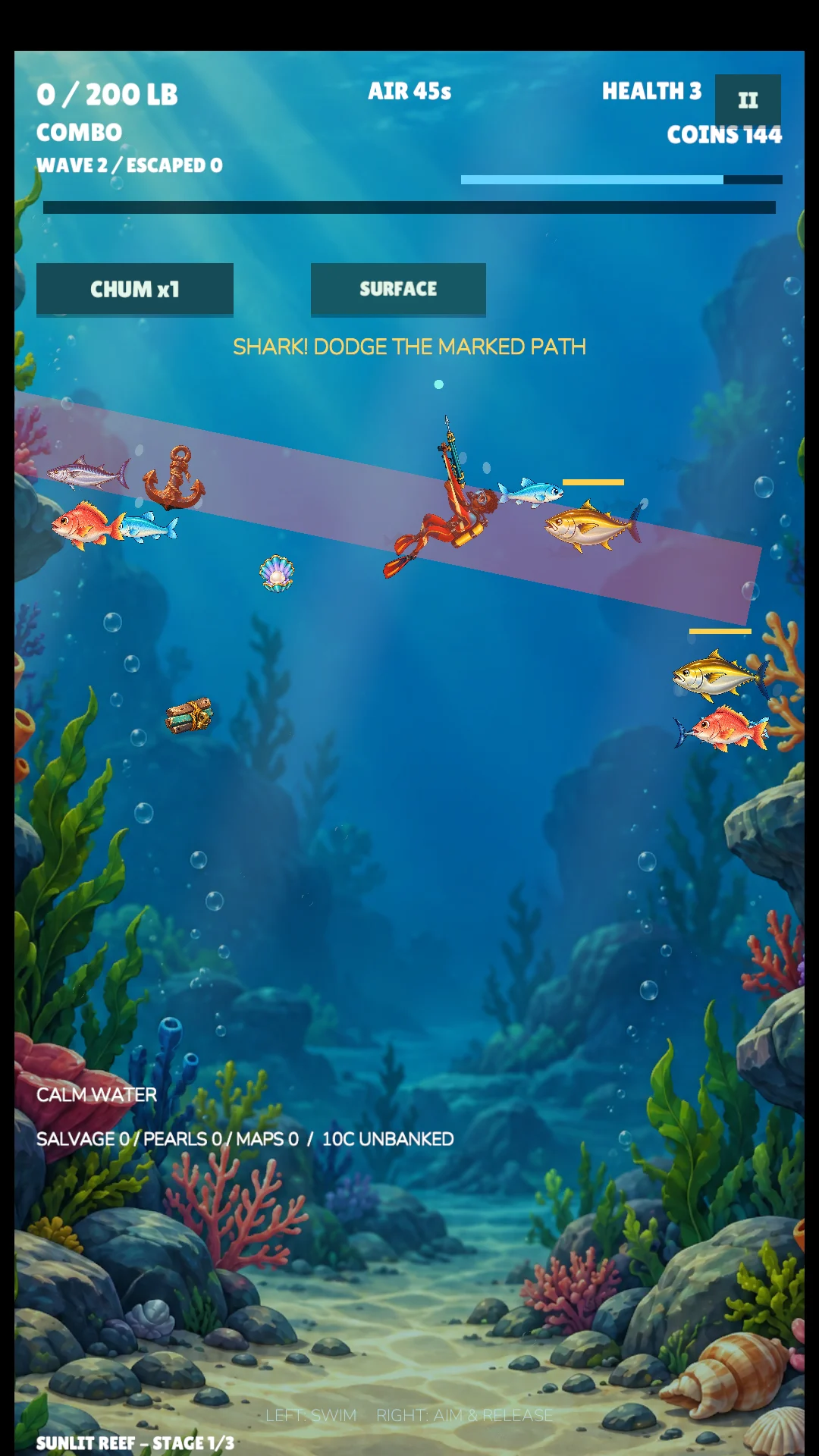
Start with a practice dive
Choose Learn to Dive before committing to a scored run. Mara introduces swimming, aiming, catching a fish, avoiding a shark, collecting a pearl and surfacing. Practice has no air timer, so use it to learn how far a movement or an aim adjustment takes you. You can skip the lesson or replay it later.
On a computer, swim with WASD or the arrow keys and use the aiming controls shown in the game. On a touch screen, use the movement and aiming controls rather than dragging the whole page. Adjust the touch layout in the game if your fingers hide the action.
Plan the return before the next shot
Keep an eye on your air while choosing a target. A fish that takes you farther from the surface also makes the trip home longer. When air is getting low, stop looking for another catch and start returning. Banking a smaller haul is a better learning run than losing one because you stayed for one extra shot.
Watch the shark’s approach as well as the fish. Make space before lining up a shot; chasing a fish while ignoring a nearby shark can leave you with no easy escape. Learn the movement first, then work on accuracy.
Choose a goal for this session
Challenge gives you a 200 lb catch goal. Use it when you want a defined objective and a reason to improve each dive. Endless Fishing is the choice for a longer fishing session and a personal record. Practice is for getting comfortable without the pressure of an air timer.
For an early session, aim for one safe return. On the next, try to bring back more without compromising your return. Change one thing at a time so you can tell whether better aiming, better positioning or an earlier retreat helped.
Use the time between dives
Check your catch journal and available gear between runs. Earned coins let you improve equipment as you explore Sunlit Reef, Shipwreck Shelf and Twilight Deep. Read each upgrade’s description before spending; choose one that addresses the part of a dive you find hardest.
Reduced Flash and touch-control adjustments are available in the game. Choose a comfortable view and readable controls before chasing a record.
Know where your progress lives
HookRush guest progress lasts for the current browser session. Sign in before playing if you want supported browser cloud saves and account records. Wait for a successful save indication before closing, and avoid playing the same account in multiple tabs at once.
The mobile editions keep their own equipment and progress on each device. Browser progress and mobile progress are separate; signing in on the website does not transfer a mobile save.
Need a hand?
If the game will not load, audio is quiet or your save is missing, start with browser troubleshooting. For game information, return to HookRush; for recent website changes, read our patch notes.
Suggest a guide improvement